Share qlik.dev documentation directly with Claude, ChatGPT, Perplexity, and VS Code Copilot
You can now send any qlik.dev page directly to Claude, ChatGPT, Perplexity, or VS Code Copilot, or copy it as markdown and paste it into any AI tool.
This helps AI tools work from current Qlik documentation instead of relying only on model knowledge.
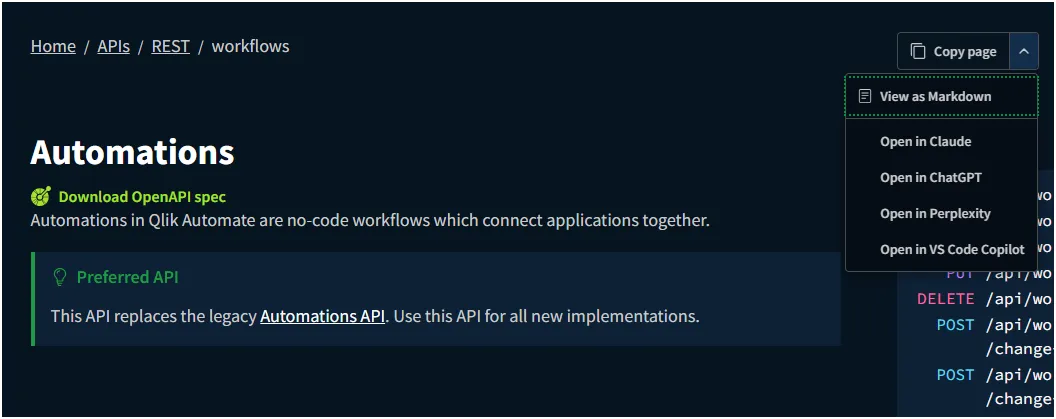
Each page includes a menu to choose how to share documentation as context with your favorite AI assistant:
- Copy page: Copy the page content to your clipboard as Markdown.
- View as Markdown: Open the page in Markdown-only view.
- Open in ChatGPT: Send directly to ChatGPT (requires active session).
- Open in Claude: Send directly to Claude (requires active session).
- Open in Perplexity: Send directly to Perplexity (requires active session).
- Open in VS Code Copilot: Send directly to your VS Code Copilot chat.